Privacy-first travel companion

Every trip
in one place.

Travalet turns booking emails, travel agent itineraries and your own plans into one clear, day-by-day timeline. It lives on your device and in your own iCloud, so there is no account to create and no server holding your trips.

Requires iOS 26 or later · iPhone, iPad & Mac

The Travalet home screen on an unfolded foldable iPhone, with upcoming trips on a single timeline

No account or password · Forwarded emails read once, then deleted · Your trips stay on your device

Less admin. More travel.

Travalet keeps every detail straight, so the only thing left to sort out is what to pack.

Private by design

Your trips are stored on your device and sync through your own iCloud. There is no Travalet account and no server-side copy of your itinerary.

Works with your travel agent

When your agent sends an itinerary from a supported platform, it arrives with photos, maps and notes, and it stays on your device.

Native on every Apple device

A SwiftUI app for iPhone, iPad and Mac, including a real Mac app rather than a port. Maps, dark mode and offline access are built in.

Forward and forget

Forward the booking email. We'll build the trip.

Send a confirmation to trips@travalet.app. Flights, hotels, car hire, trains, ferries, tours and restaurant bookings are read once and turned into trip details, and the email is deleted. When there is nothing to forward, add a booking by hand.
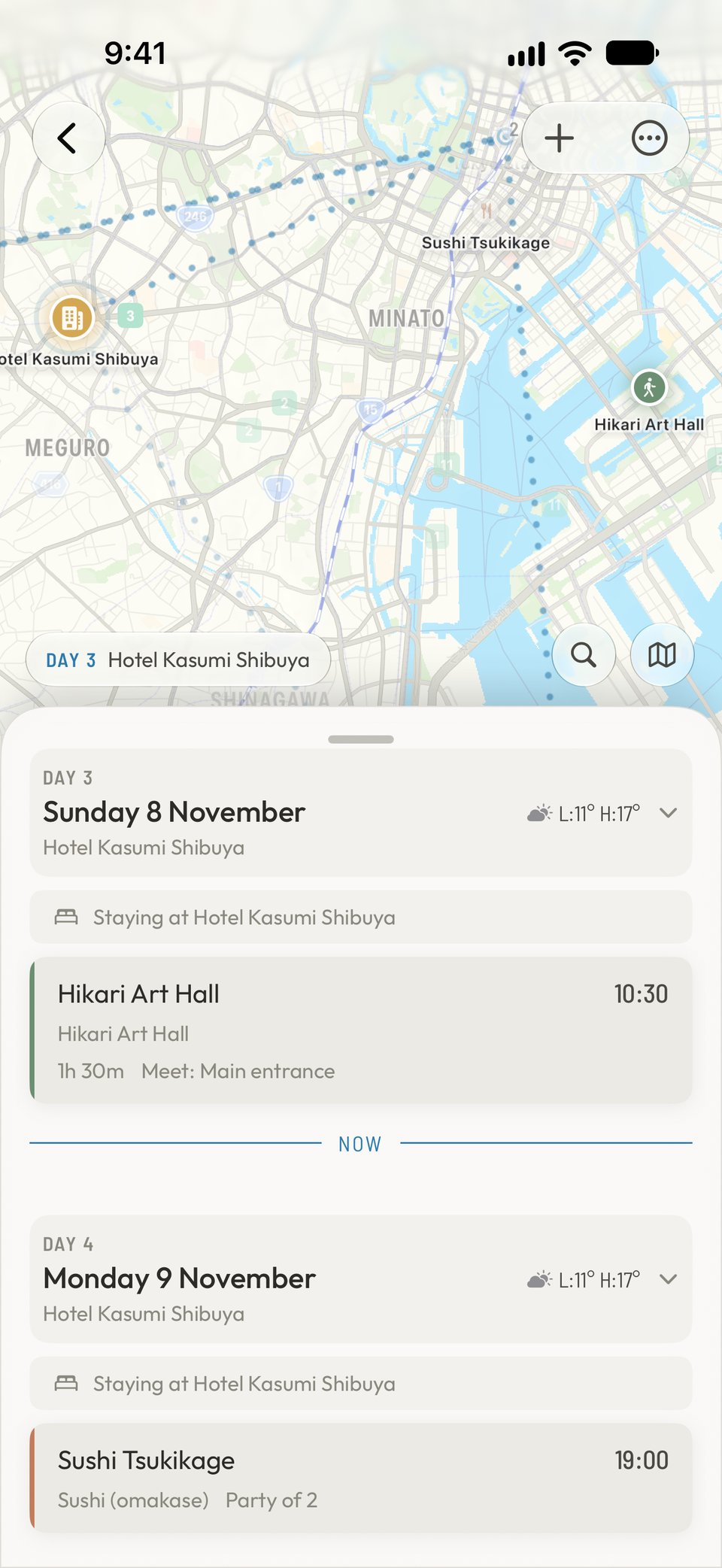
iPhone showing a trip built from forwarded booking emails

From your travel agent

Trips from your agent arrive ready to read.

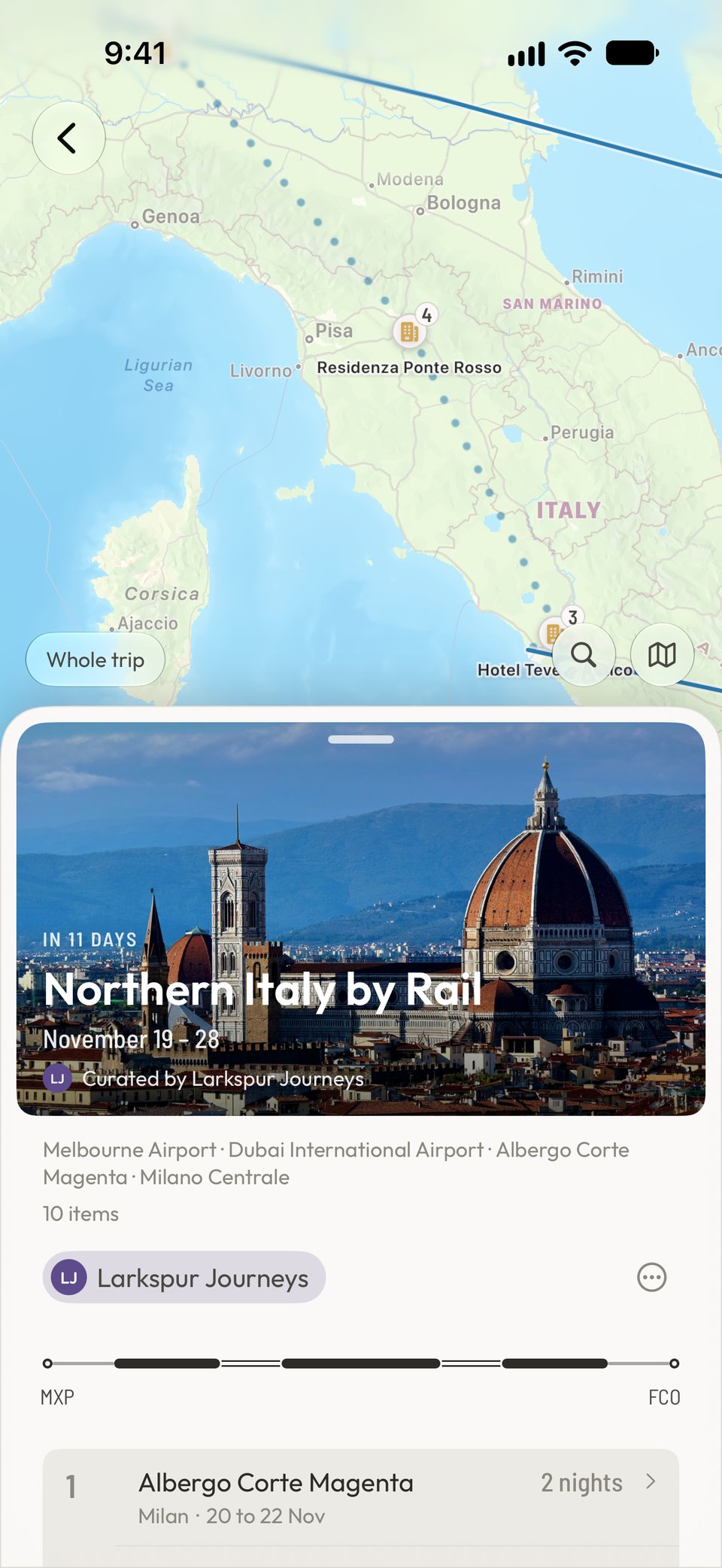
An itinerary sent through a supported agency platform lands in Travalet with hero images, agency branding, maps and personal recommendations. It reads like a guidebook for your trip, and it stays on your device.

iPhone showing a travel agent itinerary with a hero image and a day-by-day plan

Trains

Every train, drawn station to station.

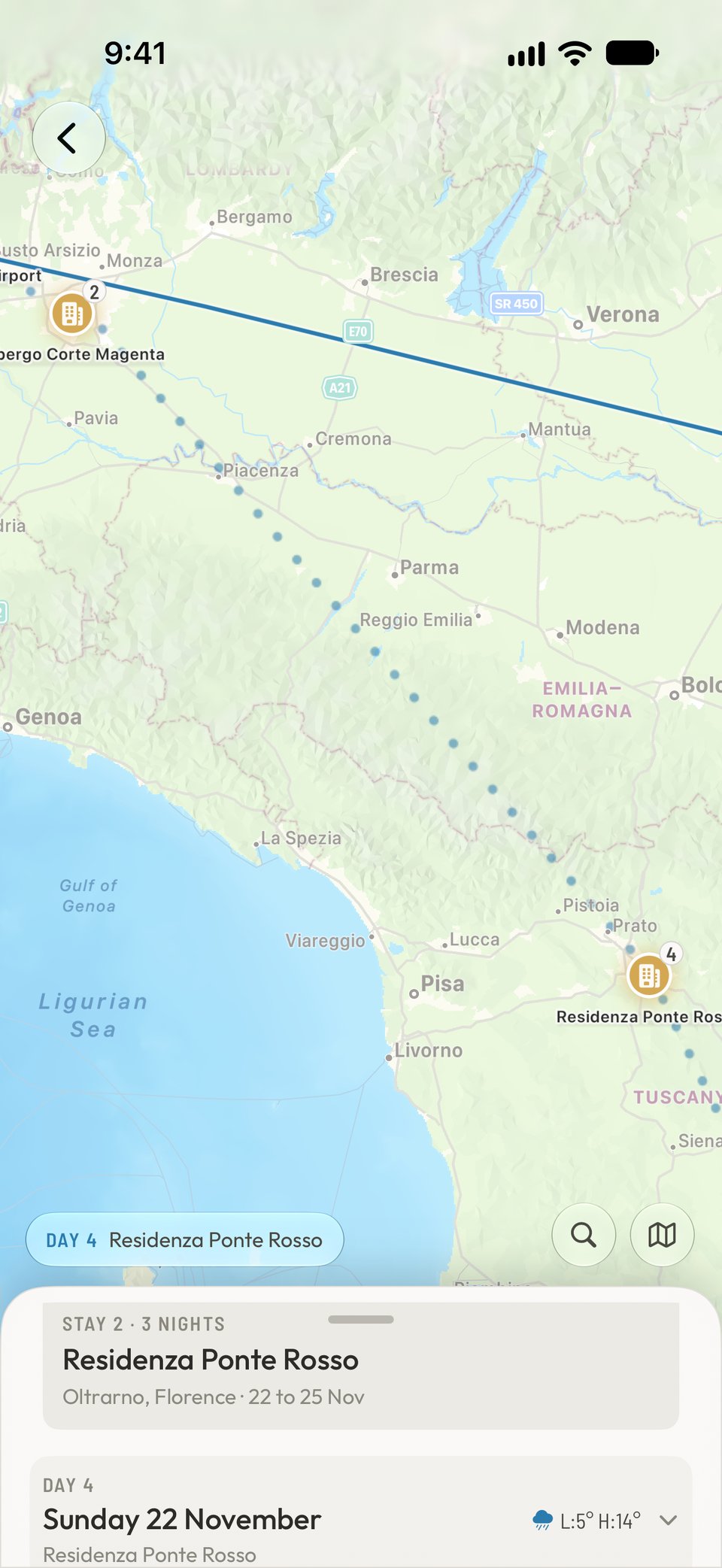
Each rail journey is drawn as a route from stop to stop, with the times and booking details you need beside it.

iPhone showing a train journey drawn as a route between stations

Sharing

Share the trip. Nobody needs an account.

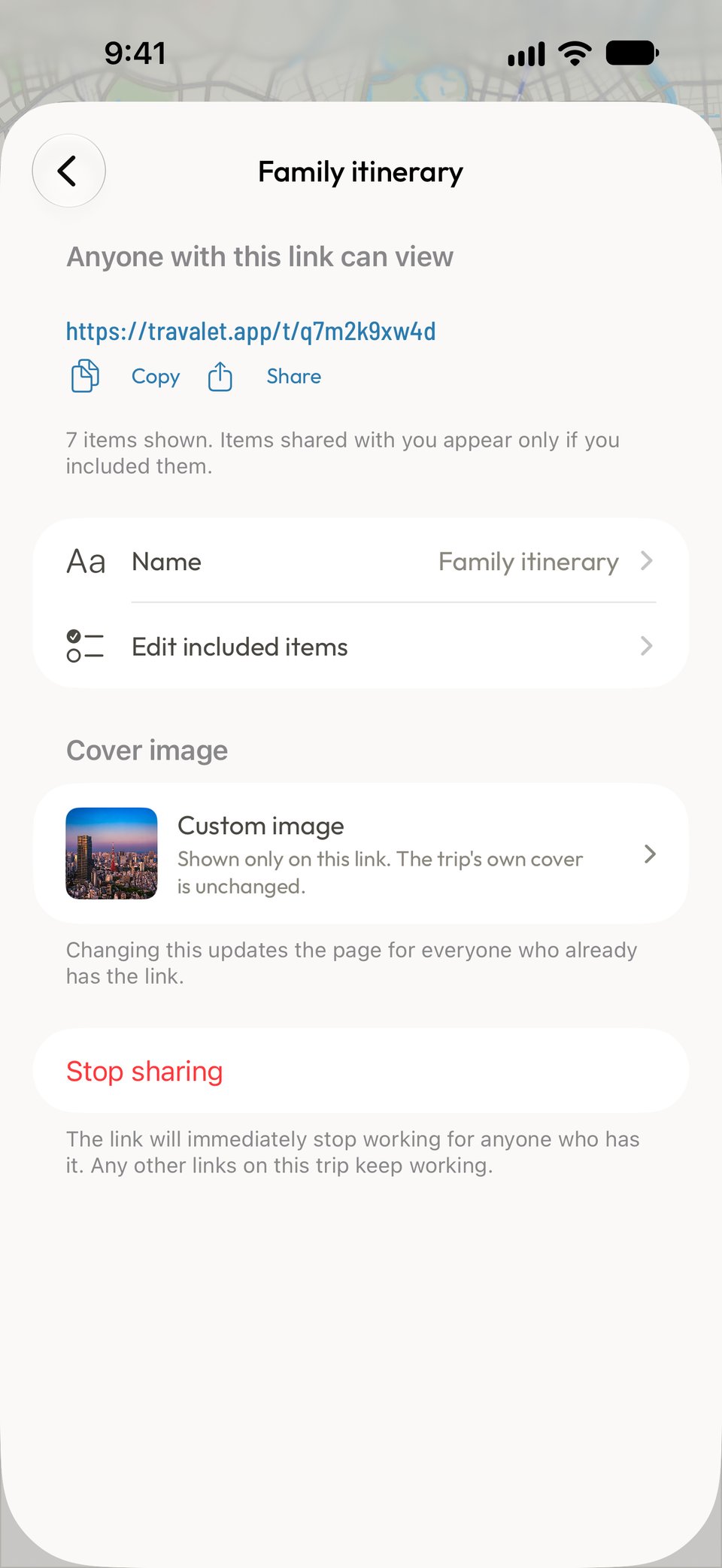
Companions join through iCloud with their Apple ID, and there is no Travalet account to create. Choose view-only or edit, and take access back whenever you like.

iPhone showing the sharing options for a trip

iPhone, iPad and Mac

One trip, every screen.

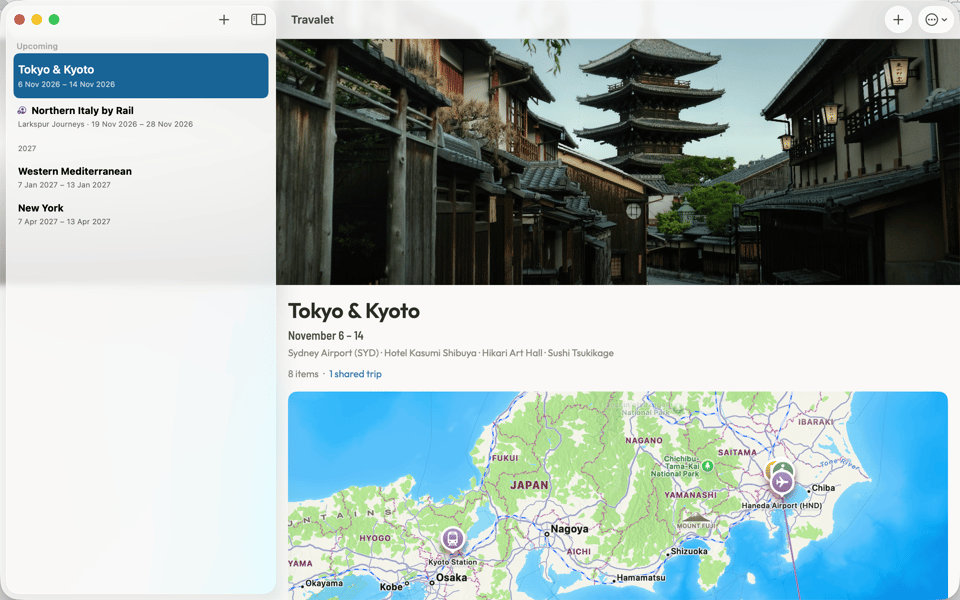
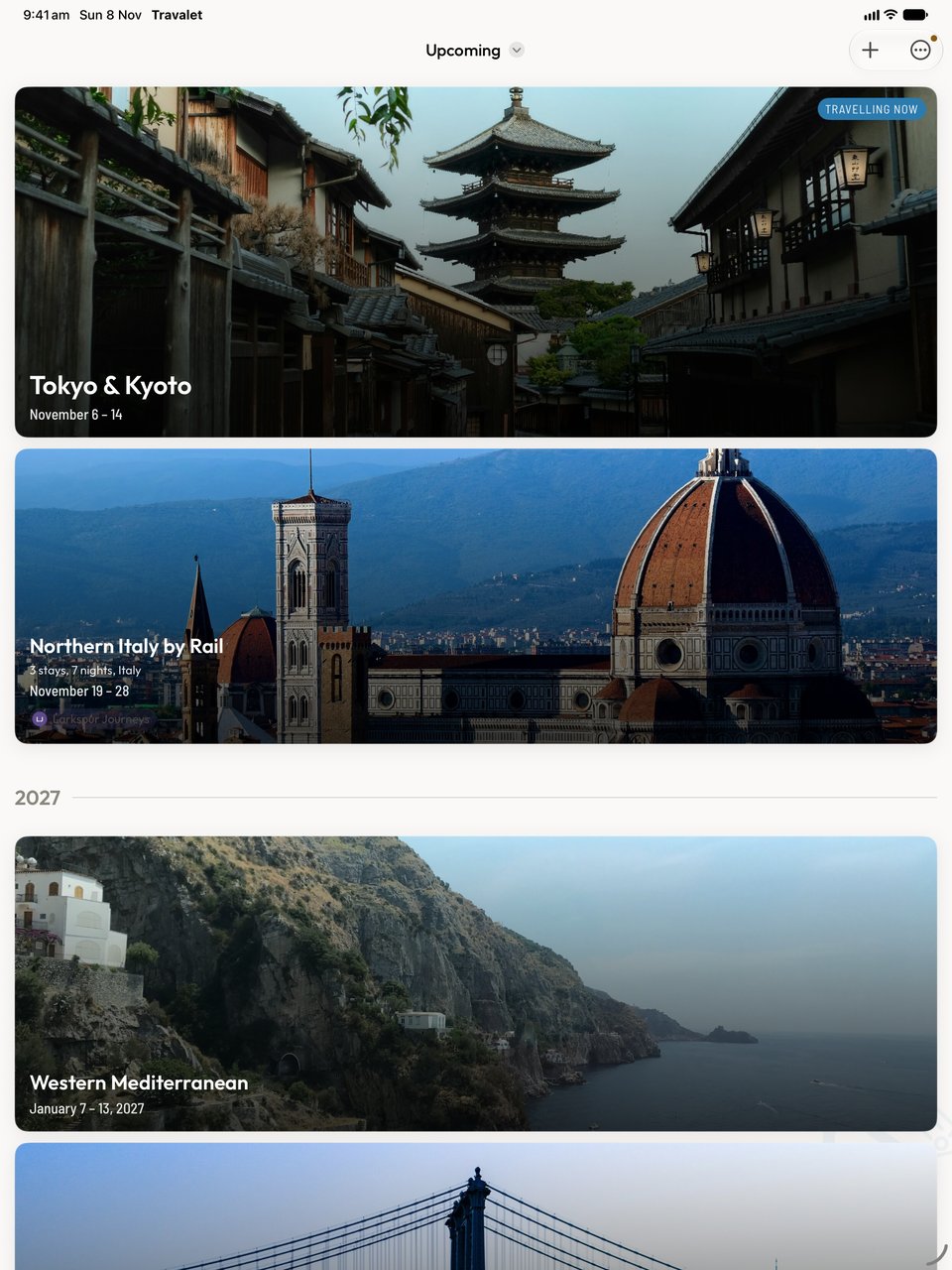
The same timeline follows you across your Apple devices, laid out for each one. The Mac app is built for the Mac, not stretched up from the phone.

The Travalet home timeline in a Mac window
The Travalet home timeline on iPad

Private by design

Your trips stay on your device and in your iCloud.

Travalet has no account system and no database of your itineraries. Your data lives on your device and syncs between your own Apple devices through iCloud. We could not read your trips if we wanted to.

iPhone showing the Travalet home timeline in dark mode

From inbox to itinerary

  1. Download Travalet

    Install Travalet from the App Store. There is nothing to sign up for, so you can open the app and start.

  2. Forward your booking emails

    Send any confirmation to trips@travalet.app. It works with airlines, hotels, rental companies, rail operators and hundreds of other providers.

  3. Your trip appears

    Within seconds the booking is read and added to your timeline. Bookings with overlapping dates are grouped into trips for you.

Ready for your next trip?

Turn a folder full of confirmation emails into one itinerary that keeps itself up to date. Free, and private by default.

Download on the App Store

Free to download · iOS 26+ required